Buying Guide: Choosing the Right 24-Door Face Recognition Locker for Modern Facilities
In busy public spaces like shopping malls, gyms, libraries, and tourist attractions, traditional lockers just don’t cut it anymore. People expect faster, safer, and smarter storage—and that’s exactly what 24-door face recognition lockers deliver. With touchless access, intelligent identity verification, and centralized management, these smart cabinets are quickly becoming essential infrastructure in modern facilities.
But with so many options on the market, how do you pick the right one? Below are six practical tips—plus real-world examples—to help you match the technology to your actual needs.
Tip 1: Look Beyond Speed—Prioritize System Stability & Environmental Resilience
A locker might recognize faces in half a second, but if it crashes during a heatwave or fogs up in a humid gym, it’s useless. What really matters is reliability under real-world conditions.
High-quality units are built to operate smoothly between -10°C and 50°C, using industrial-grade electronics that resist moisture, dust, and temperature swings. Ask yourself:
- Will this work in a steamy pool area or an unshaded outdoor plaza?
- Does the camera handle glare, low light, or backlighting?
- Has the system been tested in extreme humidity or cold?
Stability isn’t flashy—but it’s what keeps your service running day after day, season after season.
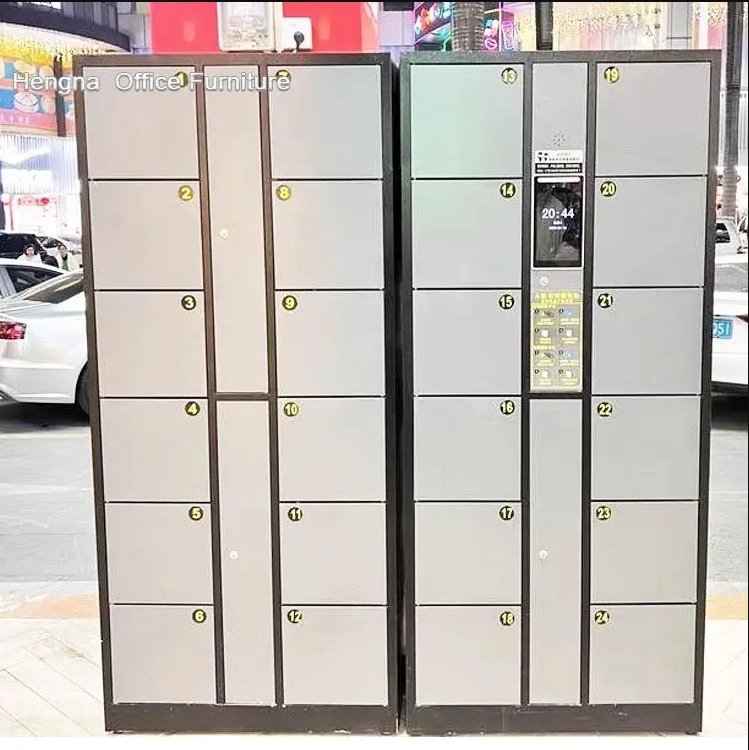
Tip 2: Don’t Skimp on Build Quality
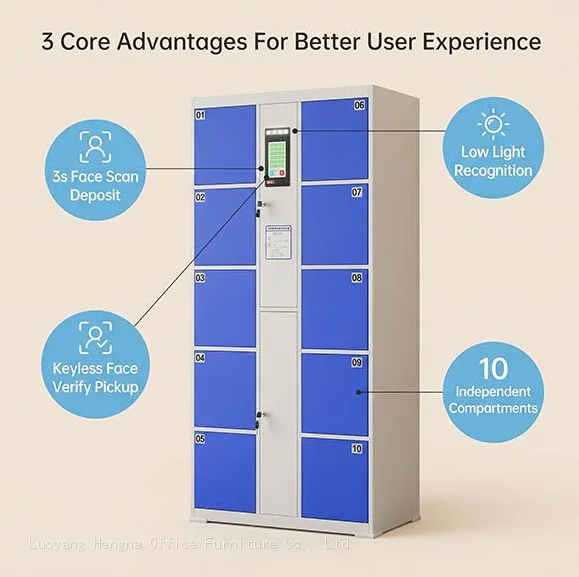
The standard cabinet measures 1800mm (H) × 1700mm (W) × 460mm (D), with each compartment sized at 270mm × 300mm—a smart balance of capacity and footprint. But size isn’t everything. Check the details:
- Is the body made from cold-rolled steel at least 1.0mm thick?
- Are hinges rated for 100,000+ open/close cycles?
- Is the surface finished with electrostatic powder coating for rust and scratch resistance?
These aren’t just specs—they’re what keep your lockers looking clean and functioning well after thousands of uses.
Tip 3: Smart Features Should Make Management Easier—Not Harder
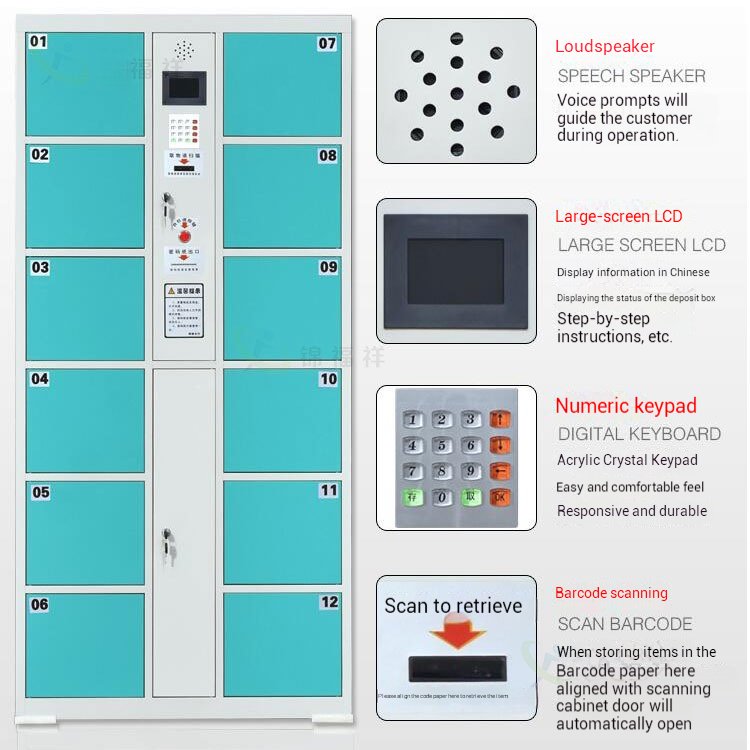
A good system comes with a 7–10 inch HD touchscreen, intuitive interface, and multi-language support. But more importantly, it should give you control:
- View real-time locker status remotely
- Pull usage logs for audits
- Get automatic alerts for overdue items or faulty doors
- Diagnose issues before they become complaints
Also, ask if it can connect to your existing systems—like membership platforms, access control, or payment gateways. Modular designs let you add features later, like QR code access or extra cabinets, without starting from scratch.
Tip 4: Keep the User Experience Smooth and Simple
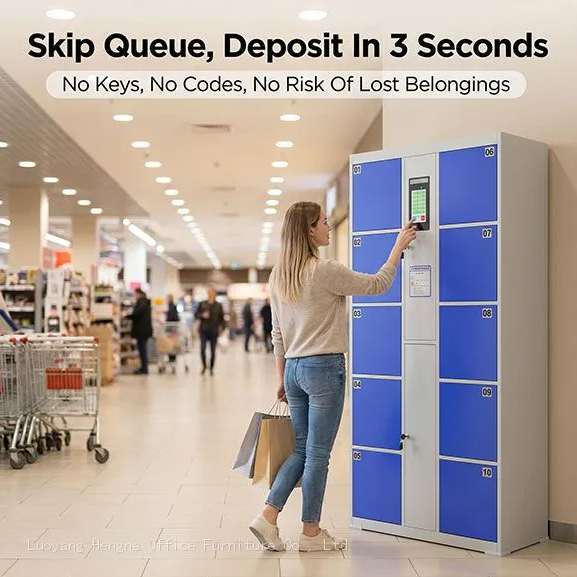
From “look at the screen” to “close the door,” the whole process should take under 10 seconds. Test it like a real user would:
- Does it work if someone’s wearing a hat or standing in shadow?
- Is the touchscreen responsive, or does it lag?
- Does it gently remind people if they forget to shut the door?
- Can kids or very tall users reach and see the camera comfortably?
When it feels effortless, people use it—and come back.
Tip 5: Strong Support Isn’t Optional—It’s Essential
Even the best hardware needs backup. Choose a supplier that offers:
- 2-year full warranty, with 5 years on the main control board
- 24-hour response time for issues
- On-site repair within 48 hours (for local installations)
- Remote diagnostics and staff training
Check their track record—especially in venues like yours. A vendor who’s handled high-traffic gyms or busy transit hubs will understand your pressures.
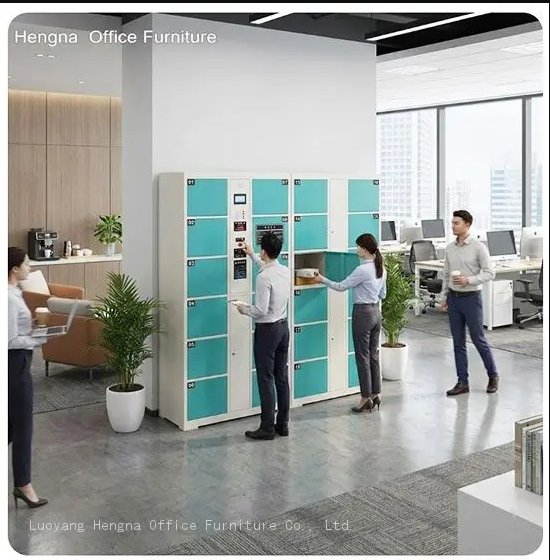
Tip 6: Match the Locker to Your Space—Not the Other Way Around
One size doesn’t fit all. Consider your environment:
| Venue | Key Needs | Recommended Features |
|---|---|---|
| Shopping Mall | Handle rush hours | Fast, multi-user recognition; high capacity |
| Gym / Pool | Resist moisture | IP54 rating or better; easy-to-wipe surfaces |
| Library | Stay quiet and unobtrusive | Low-noise motors; soft audio cues |
| Outdoor Attraction | Survive sun and rain | Weather-resistant casing; wide temp range |
24-Door Face Recognition Locker for Modern Facilities Real-World Examples
Example 1: Shopping Mall Food Court
A typical installation places two 24-door units near the food court. During holiday peaks the units run continuously through lunch and dinner rushes, with each access cycle taking only a few seconds. The management console shows daily usage counts, so the operator can see exactly when capacity is tight and add units before the next season.
Example 2: Fitness and Swim Club
Units placed steps from the pool deck are exposed to humidity all year. An IP54-rated cabinet with powder-coated steel keeps the electronics dry and the exterior easy to wipe down. Members skip the key ring entirely—face recognition means no wristbands to replace when someone forgets theirs in the pool.
Final Thought
Choosing a 24-door face recognition locker isn’t just about buying hardware—it’s about investing in a reliable, long-term service experience. Skip the cheapest option. Instead, focus on environmental resilience, build quality, smart management tools, user-friendliness, and solid support.
When the tech disappears into the background and people just use it without thinking—that’s when you know you got it right.
Key Specifications at a Glance
- Cabinet size: 1800 mm (H) × 1700 mm (W) × 460 mm (D), 24 compartments at 270 × 300 mm each
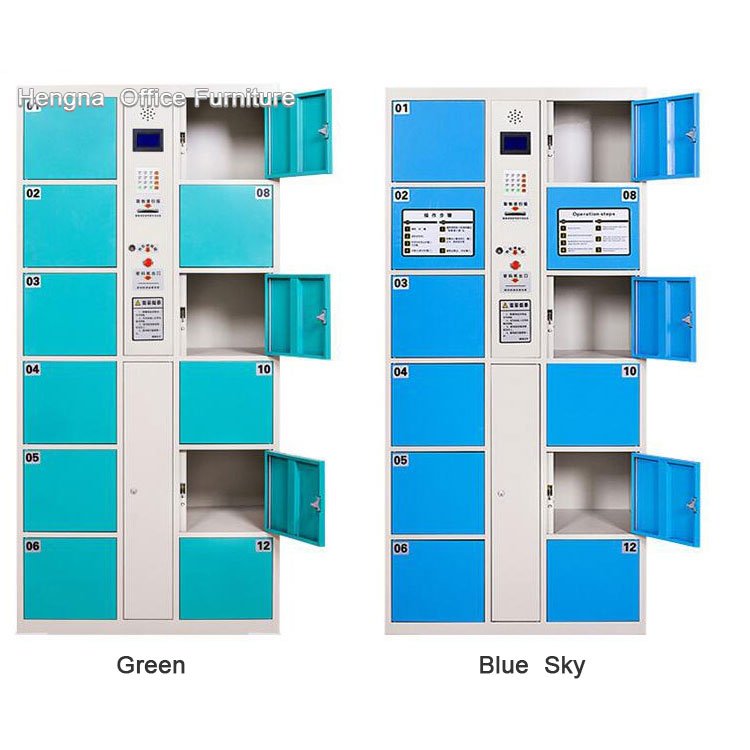
- Body: cold-rolled steel, 1.0 mm minimum; electrostatic powder coating
- Operating range: -10°C to 50°C; IP54 moisture rating for pool and outdoor-adjacent areas
- Interface: 7–10 inch HD touchscreen, multi-language, remote management console
- Warranty: 2 years full, 5 years on main control board; 24-hour response
FAQ
Q1: Where is the face data stored?
A: On the locker’s local control unit, not in the cloud. Face templates are encrypted and can be wiped remotely or during decommissioning—important for facilities with privacy policies.
Q2: Does the locker work if the network goes down?
A: Yes. Recognition and door opening run locally. Only remote management features need the network. This is why the system keeps working during peak-hour network hiccups.
Q3: What happens when two users approach at the same time?
A: The camera locks onto the closest face and opens one door per recognition. Units in high-traffic areas are often installed in banks of two, which keeps queues short even at peak times.
Q4: Can it integrate with our membership system?
A: The management module supports integration with membership platforms and access control via standard APIs. Confirm the integration scope during quotation so the correct interface is included.
Related reading: face recognition lockers for schools · rust-resistant face recognition lockers for humid pools
Installation Planning
Two practical points decide how smoothly installation goes. Power and network: each 24-door unit needs a dedicated power outlet and, if you use the management console, a network drop. Confirm these during the site walk-through so the installer does not have to run cables across the room. Placement: position units where the camera faces the approach direction and where users can queue without blocking the aisle. A common layout is two units facing each other across a 1.5-meter corridor, which doubles throughput during rush periods without extra floor space.
Ask the supplier for a dimensioned floor plan before ordering—most will provide one, and it catches clearance issues that photos never show.
Budget for the wall mounting kit if your site needs anti-tip anchoring—standard in schools and any area with heavy foot traffic.