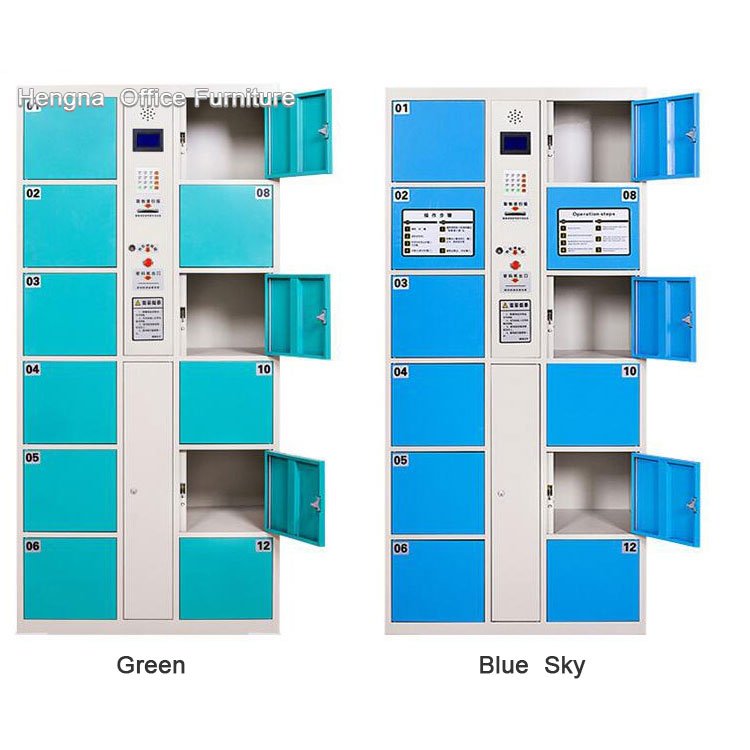
Face Recognition School Lockers — Emergency Key Backup Opens Every Door on Power Outage
School locker management comes down to one question: what happens when something goes wrong?
Power outage. Face recognition system glitch. Network failure. If any of these happen during school hours, hundreds of students can’t get their bags out. Parents call the principal. The facilities team takes the blame.
Face recognition school lockers solve this with a simple design choice: every single door has its own mechanical key backup. Not one master key for the whole bank — every door. Power goes out, a staff member walks down the row with a key ring and opens each locker. Students grab their stuff and go home on time. Power comes back, the system restarts automatically. Nothing to reset.

Face Recognition School Lockers Emergency Key Backup Specifications
| Spec | Detail |
|---|---|
| Cabinet Material | Cold-rolled steel + electrostatic powder coating |
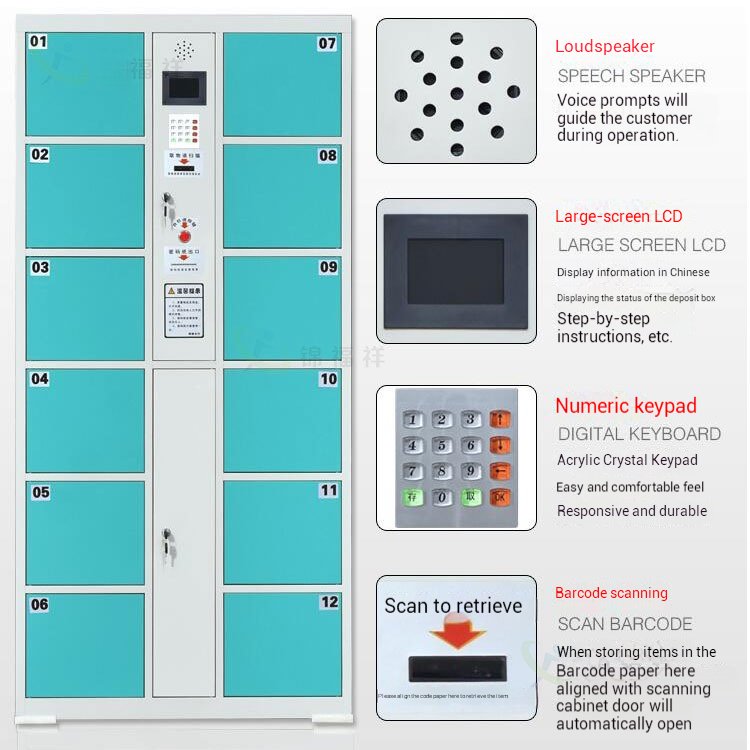
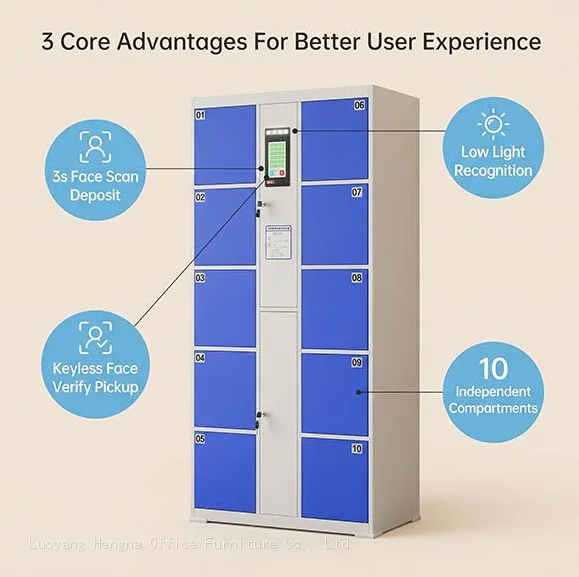
| Locking Method | AI face recognition (main) + mechanical key per door (backup) |
| Recognition Tech | LCD fill light + AI algorithm, works in dim hallway light |
| Height | 1800mm (uniform) |
| Depth | 460mm (uniform) |
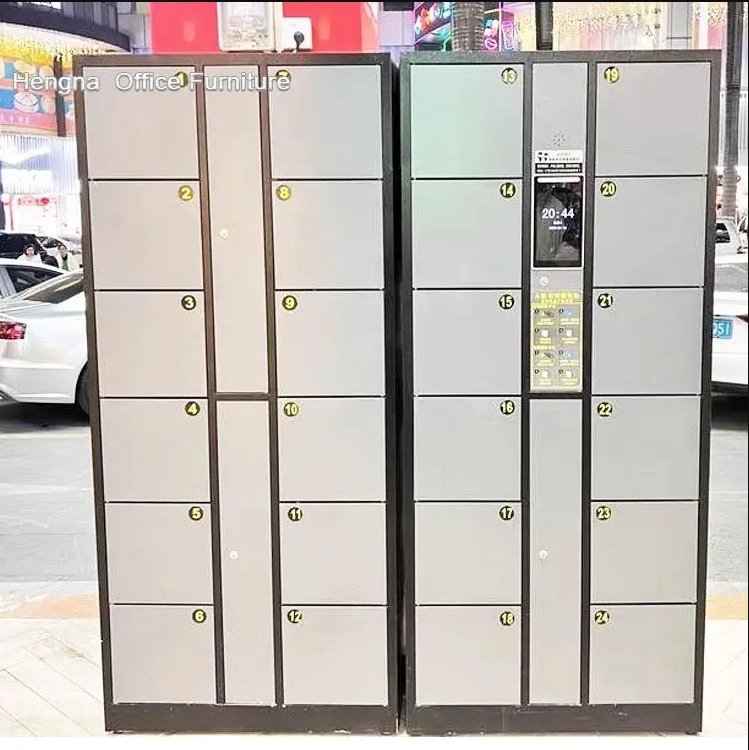
| Door Options | 6 / 10 / 12 / 18 / 24 / 36 |
| Colors | 10 standard + custom (blue, white, green are popular for schools) |
| Power | Standard mains — plug and play |
Key Features
Key backup on every door, not just one. This is the main difference. Many electronic lockers have a master override key that opens everything at once — but in a real emergency, you don’t want to open every door at once. You want to open only the ones that need opening. Each door here has its own lock cylinder. Staff carry a key set and open lockers individually as students line up. Controlled, orderly, no chaos.
Admin dashboard does the heavy lifting. School locker management involves hundreds of students who change every year. The admin system handles:
- Batch registration — import a whole class at once, not one student at a time
- Zone assignment — assign locker groups to specific grades, classes, or floors
- Usage logs — see who used which locker and when
- Remote unlock — override any door from the admin panel (when network is up)
- Auto-unlink — graduating students are removed from the system automatically, freeing up lockers for the next batch
Built for daily abuse from 8 AM to 4 PM. School lockers get used harder than gym or mall lockers. Two peak traffic rushes per day — morning drop-off and afternoon pickup. Doors slam shut. Backpack zippers scrape across the front. Hinges take constant wear.

The cabinet uses cold-rolled steel with powder coating instead of paint. The coating bonds at high temperature and won’t peel off when scratched. Door hinges are reinforced — they won’t go loose after a semester of use.
Face scan works in dim corridors. Hallways and locker areas aren’t always brightly lit. The LCD fill light on the main cabinet and the AI’s low-light tuning handle this. Students don’t need to stand under a specific light to get recognized.
Face Recognition School Lockers — Emergency Key Backup Applications
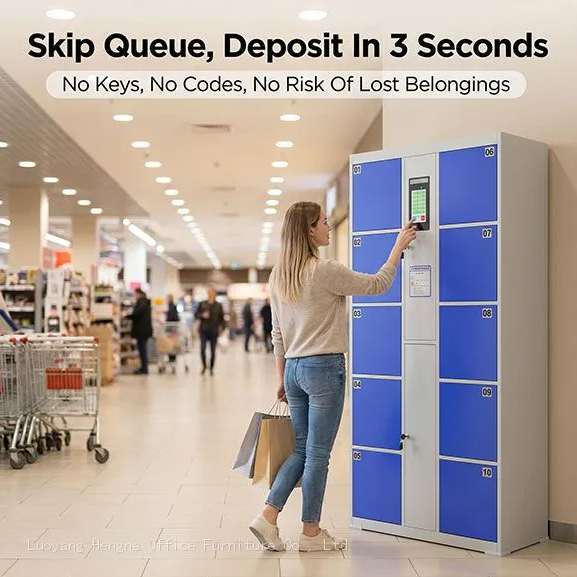
Middle and high school hallways. Students in and out between classes. Face recognition means no lost keys, no forgotten locker combinations, no paper tickets to print. Teachers don’t spend class time helping students open stuck lockers.
University libraries and gyms. Open to thousands of students daily. Large 24- or 36-door units can be grouped by section. Students register once at enrollment, use the same face for four years. No ID cards to issue and reissue.
Staff and faculty rooms. Smaller 6- or 10-door units for teacher lounges and offices. Higher single-door height (555mm) accommodates larger bags and coats.

Installation
Plug and play. Main cabinet arrives pre-assembled. KDK (knockdown) packaging available for sea freight: moisture film, corner protectors, part-by-part packing. Remote installation video included with every order.
Get a Quote
MOQ: 1 unit — sample orders welcome. Standard lead time: 7–15 days. Custom colors or dimensions: 20–30 days.
Warranty: 1 year on the full unit, 2 years on the main board. OEM supported: silk-screen logo (school crest), custom colors (school colors), custom UI languages (English, Arabic, etc.), custom packaging. CE certified with export documentation. Payment: mainstream international methods accepted.
Send us your requirements — quantity, color, logo needs, or custom dimensions. We reply within 24 hours.